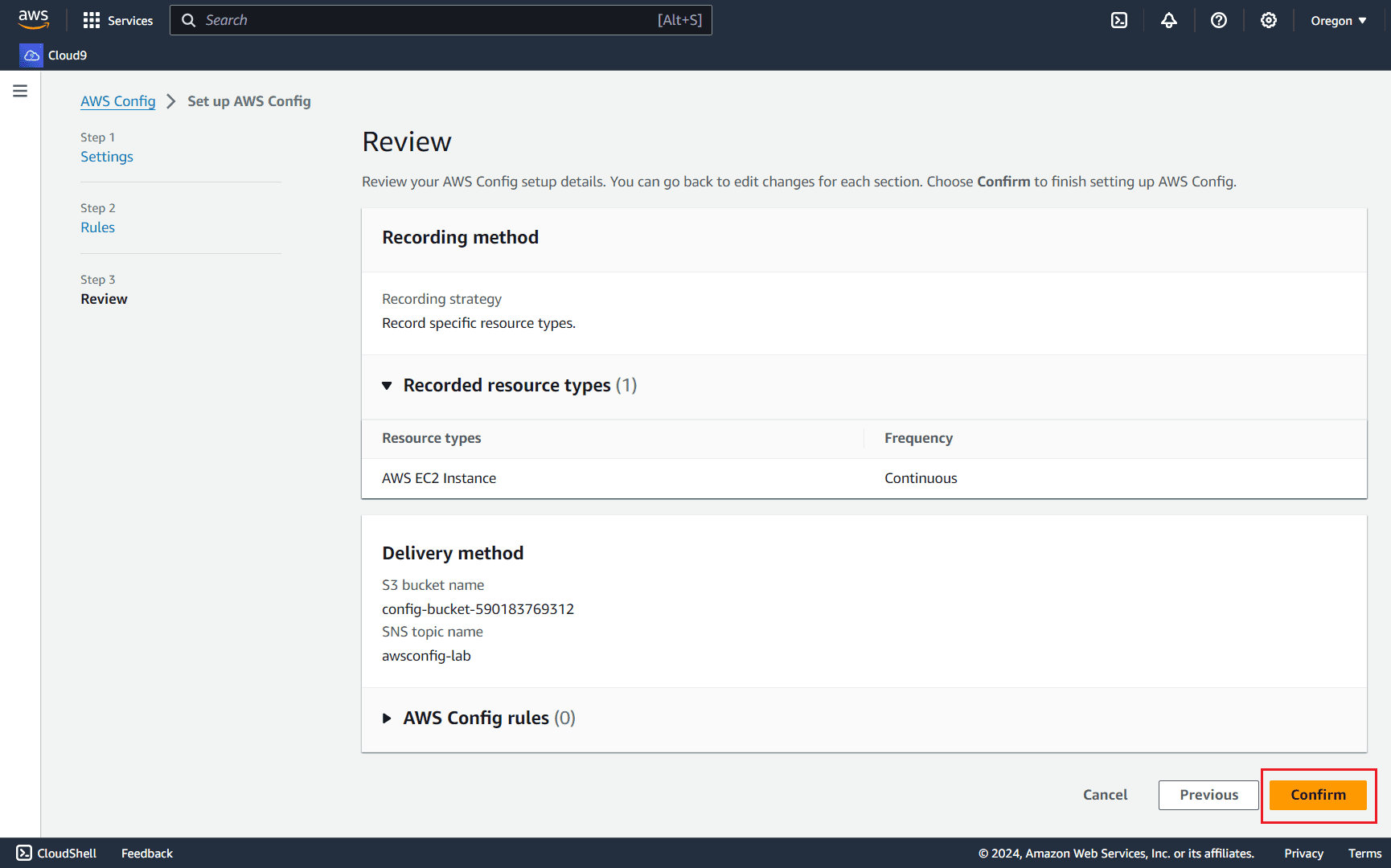
After singing in to the console, search for Config, then navigate to AWS Config
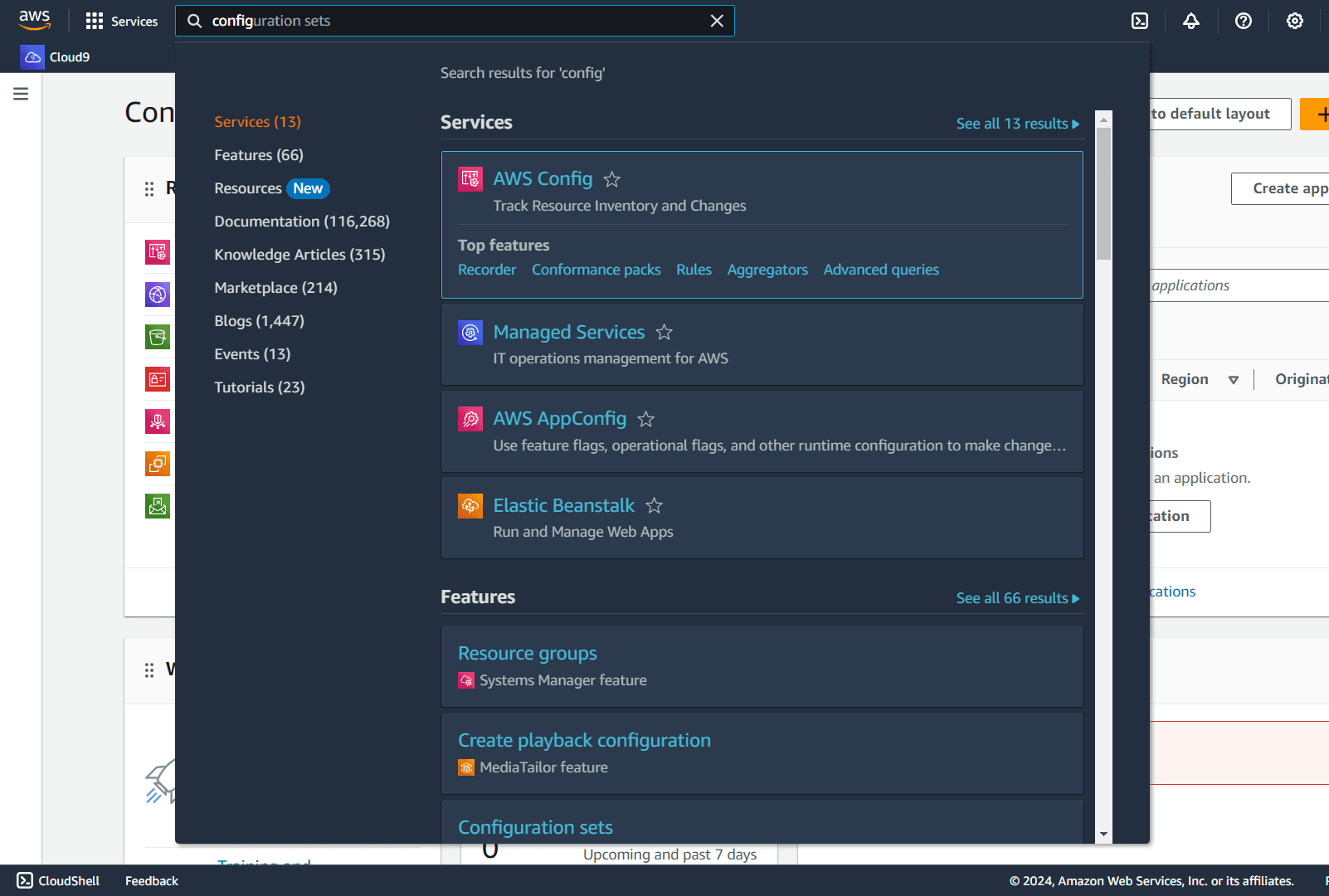
In the AWS Config dashboard page, click Get started
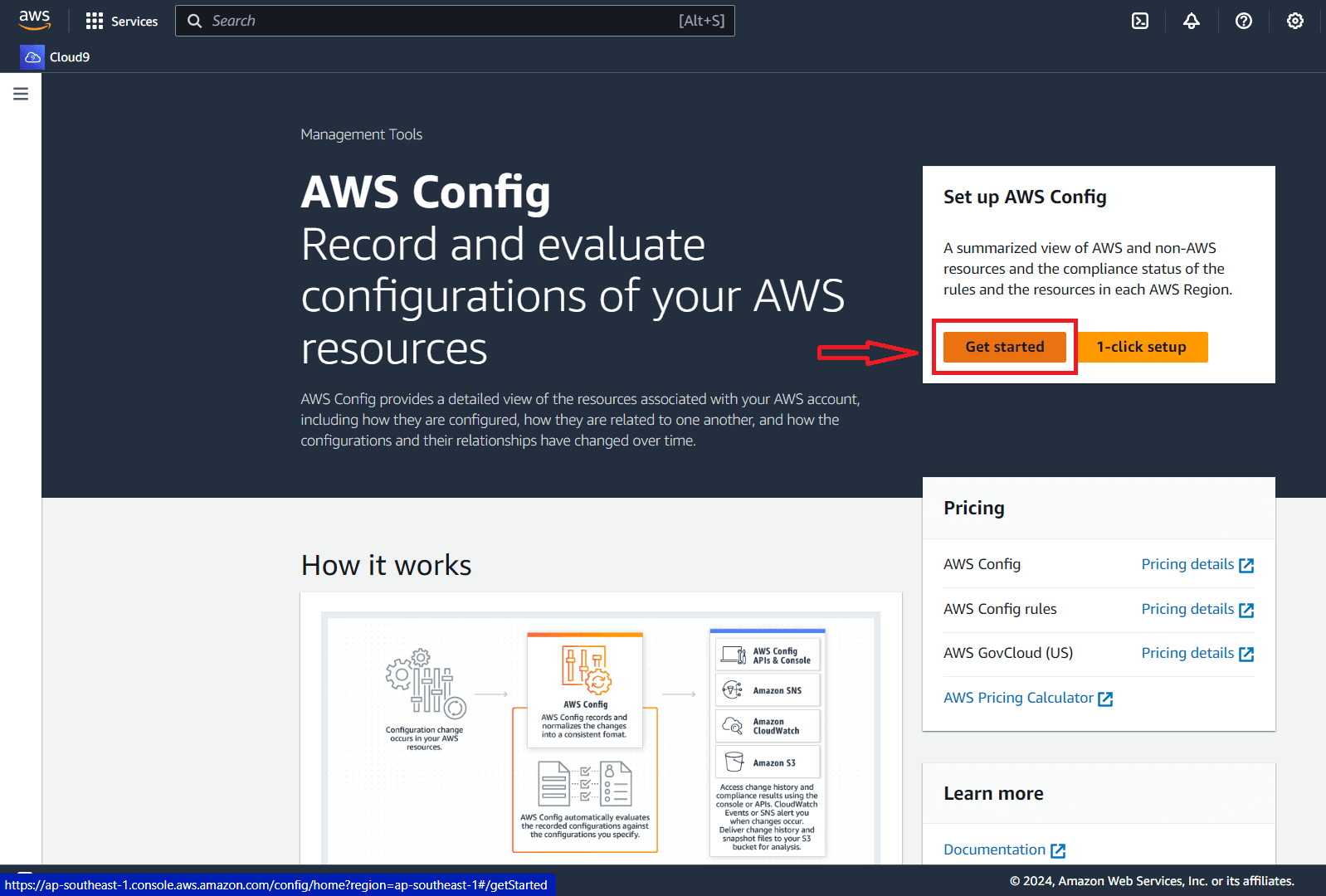
In the Recoding method panel -> Recoding strategy -> Choose Specific resource types
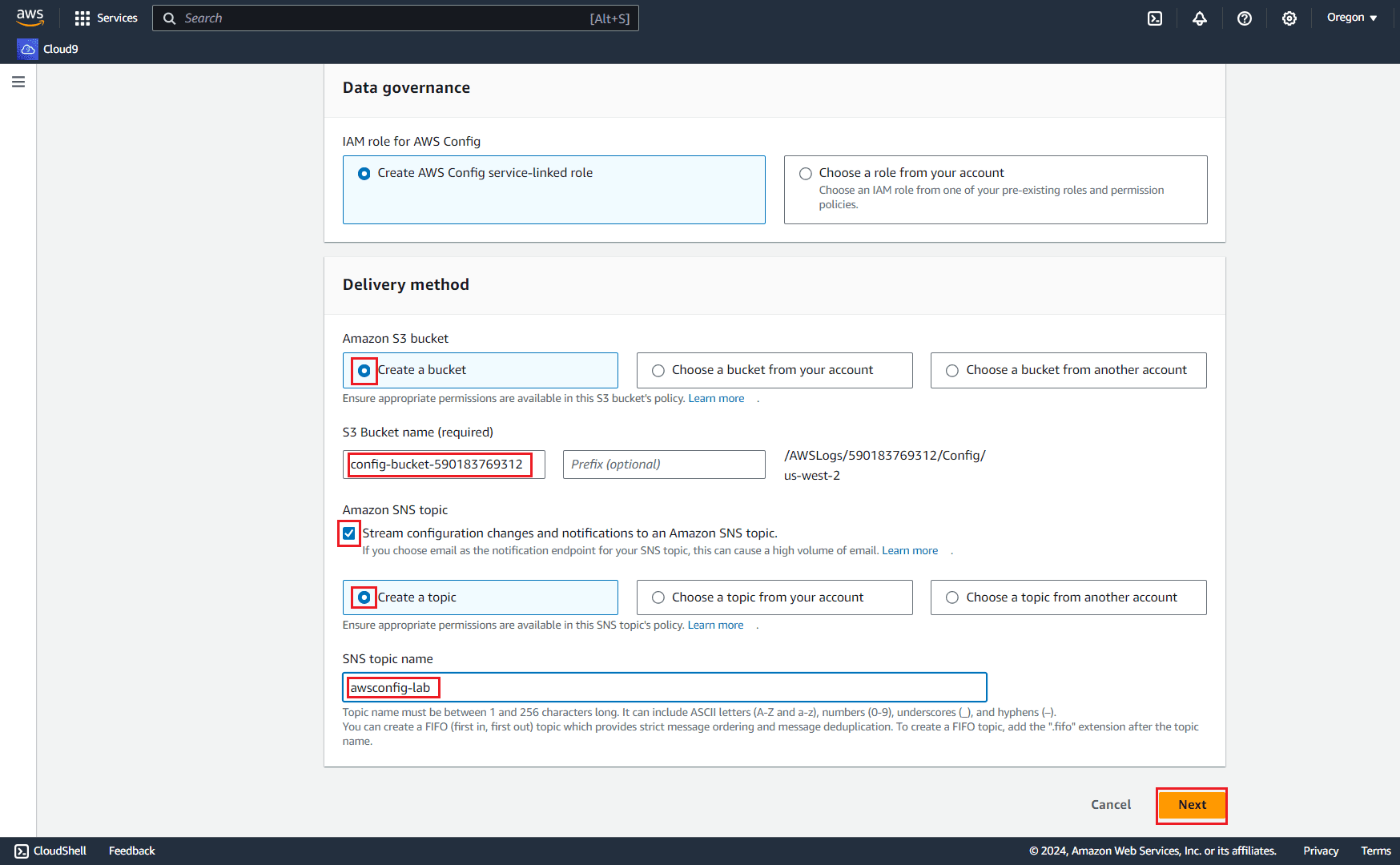
In the Data governance -> Choose Create AWS Config service-linked role
In the Delivery method
- Choose
Create a bucket - Leave the
S3 Bucket namefield as default, AWS will help you create a new bucket in S3 services. We will use this name to make the "skeleton" for our configuration. - Check the box "Stream configuration changes and notifications to an Amazon SNS topic"
- Choose
Create a topic - Specify the SNS topic name
awsconfig-lab - Choose
Next
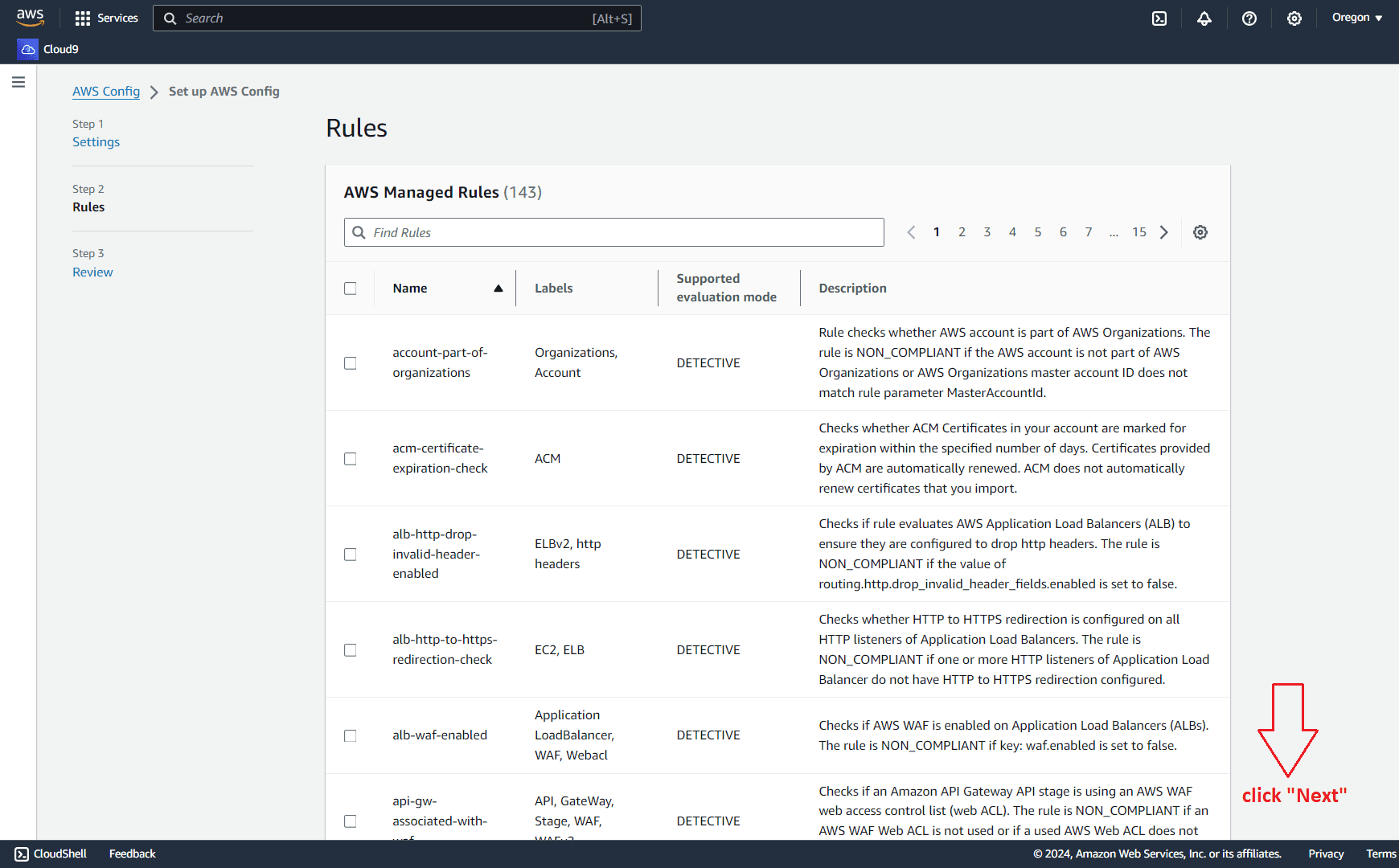
In some cases, you can use the AWS Managed Rules to fit your business needs. In this lab, leave it as default, scroll down and click Next.
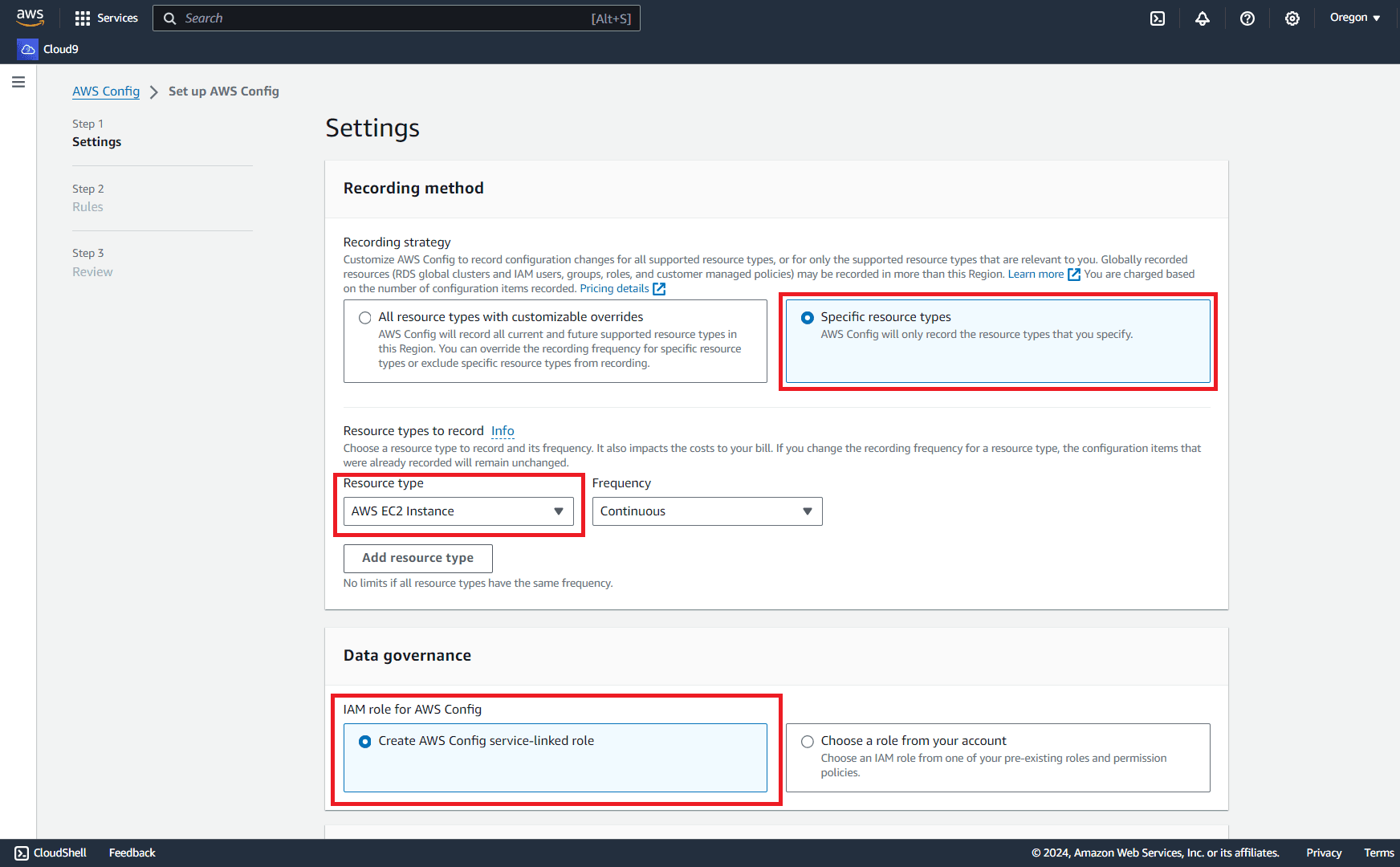
Review and click Confirm.